

News, Tours, and Onboarding
B-Bot Hub provides three discovery experiences: News, Tours, and the initial onboarding flow.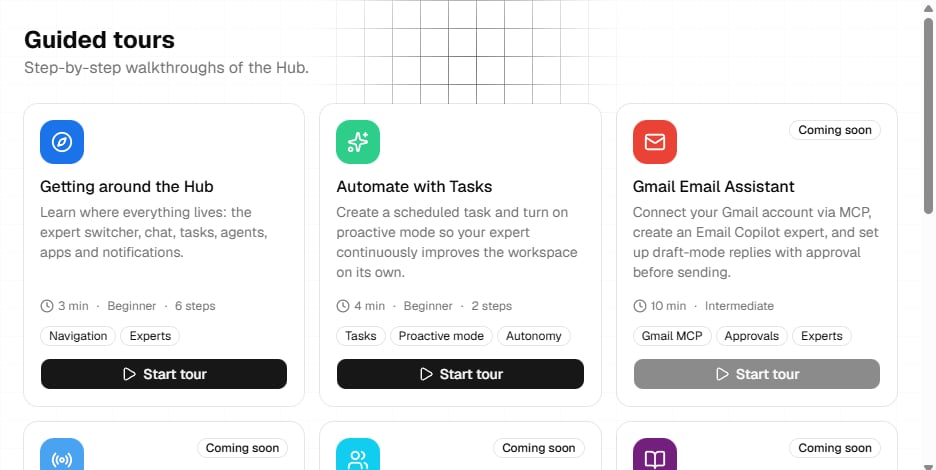
News
Open News to browse product updates, announcements, and release notes. You can:- Search titles, summaries, and content
- Filter by announcements, releases, or updates
- Open pinned items
- Move between result pages when pagination is available
- Open an item to read its detail page
/news for the list and /news/:newsId for an item.
Tours
Open Tours to browse guided walkthroughs. Each card shows its estimated time, difficulty, tools, availability, and completion state. Available tours can be started or restarted. A tour navigates to the relevant Hub page and highlights the target interface. Cards marked Coming soon cannot be started. Current routes are/tours for the catalog and /tour/:id for a direct tour link.
Onboarding
The authenticated onboarding flow is available at/onboarding. It asks for:
- Workspace context, including region, industry, and an optional website
- A first focus
- A launch action for an agent, chat, tasks, or provider keys
Some tour content, news controls, and onboarding text may currently fall back to English even when another interface language is selected.