

Resources
Resources is a thread-centered browser for outputs created in Agent conversations. It groups files under the thread that produced them, so you can return to the conversation or open its output.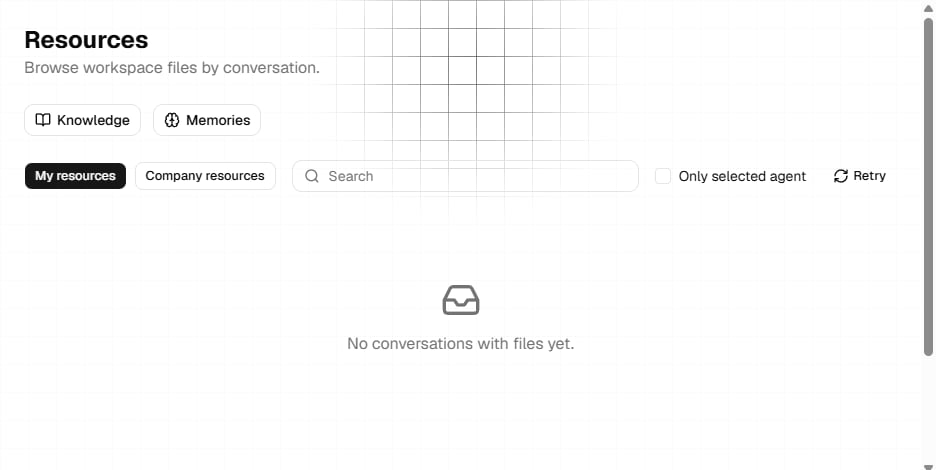
Browse your resources
Use the scope buttons to switch between:- My resources: Threads and outputs associated with your account.
- Company resources: Threads and outputs associated with the active company. This scope is unavailable when no company is active.
Understand a resource card
Each card represents one conversation thread. It shows:- The output type.
- The thread title.
- A shortened thread ID and update time when available.
- The files returned for that thread.
- Go to thread, which opens the original conversation.
Preview websites and presentations
Website and presentation cards provide a project preview. Select the preview area to open it.- A Website preview can display project settings for Deploy and Versions.
- A Presentation provides its preview without website project settings.
- A general Files resource displays its files but does not open a project preview.
Open Knowledge
Select the Knowledge shortcut at the top of Resources to manage retrieval domains for the selected Agent. Knowledge documents are separate from generated thread files. See Knowledge for domain creation, document processing, graph exploration, and sharing.Open Memories
Select Memories at the top of Resources to inspect the memories associated with the current resource context or selected Agent. Memories are organized into three layers:- Core memories: Core information associated with the Agent context.
- Long-term memories: Persistent entries that can be added and maintained.
- Mid-term memories: Conversation summaries associated with threads.
Next steps
Knowledge
Create domains and add source documents for retrieval.
Training
Fine-tune a model with example conversations.