

Workshop 4: Training & Fine-Tuning
Duration: 60 minutes | Level: Intermediate | Prerequisites: Workshops 1-3
What You’ll Master
Transform your expert from generic to specialized by training it with your own data and knowledge.Types of Training
B-Bot offers multiple training approaches:Document Retrieval (RAG)
Best for: Large knowledge bases, manuals, documentationYour expert searches documents to find relevant information.
QA Pairs
Best for: Specific questions, exact answers, brand voiceDirect question-answer mappings for precise responses.
Fine-Tuning
Best for: Unique behavior, consistent style, specialized tasksTrain a custom model with your data.
Document Training (RAG)
How RAG Works
Uploading Documents
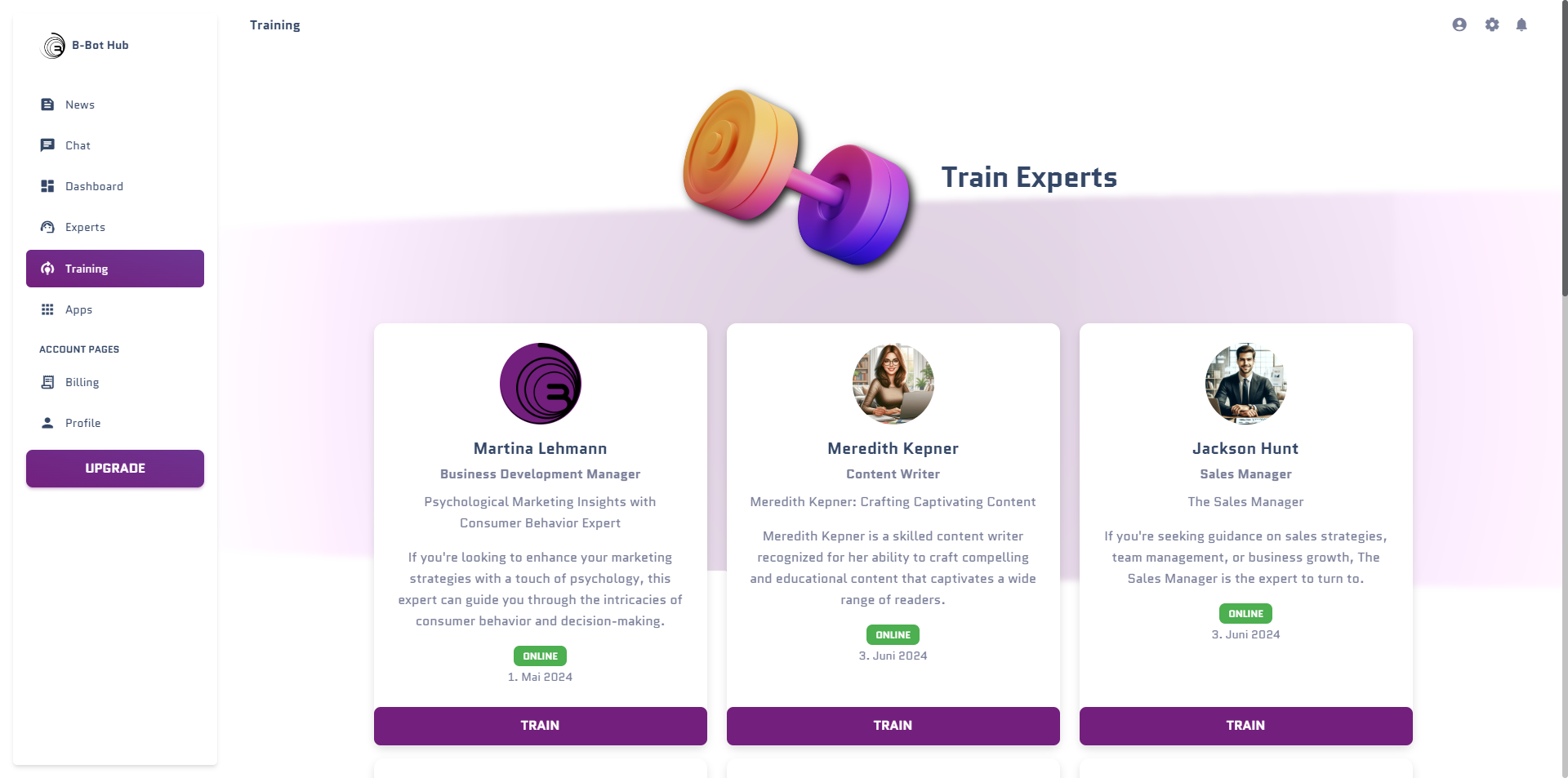
- Navigate to Training in the sidebar
- Click Documents tab
- Click Upload Documents
Supported Formats
| Format | Best For | Notes |
|---|---|---|
| Manuals, reports | Extracts text and structure | |
| DOCX | Word documents | Preserves formatting |
| TXT | Plain text | Simplest format |
| MD | Markdown docs | Great for technical docs |
| CSV | Structured data | Creates searchable rows |
| JSON | API docs, structured | Maintains hierarchy |
🎯 Exercise: Document Upload
Create a simple product manual for training:Document Processing Options
Chunking Strategy
Chunking Strategy
How documents are split for search:
- Paragraph: Best for structured documents
- Sentence: Best for FAQs
- Token-based: Best for long documents
Embedding Model
Embedding Model
How text is converted to vectors:
- OpenAI ada-002: High quality, standard
- Cohere: Good for multilingual
- Local: Privacy-focused
Overlap
Overlap
How much context is shared between chunks:
- Higher overlap = better context preservation
- Lower overlap = faster search
QA Pair Training
When to Use QA Pairs
✅ Great For
- Brand-specific terminology
- Exact pricing/policies
- Consistent answers to common questions
- Company voice and tone
⚠️ Less Effective For
- Open-ended questions
- Complex reasoning
- Large knowledge bases
- Frequently changing info
Creating QA Pairs
Navigate to Training → QA Pairs: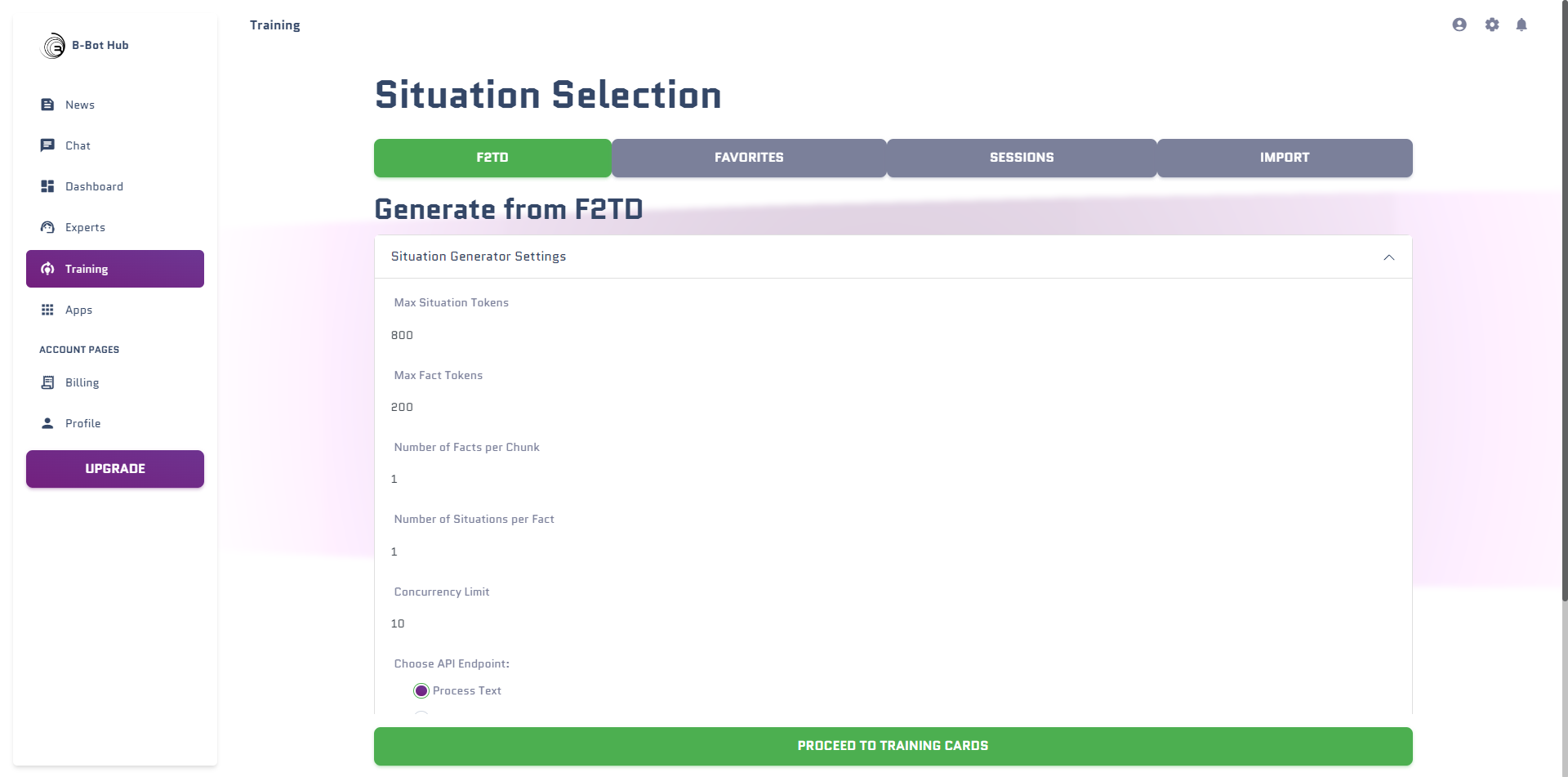
🎯 Exercise: Create QA Pairs
Create these QA pairs for your TechSupport AI:- QA Pair 1
- QA Pair 2
- QA Pair 3
Question:Answer:
QA Pair Best Practices
Write Natural Questions
Write Natural Questions
Use questions as real users would ask them:
- ❌ “Provide information about shipping policies”
- ✅ “How long does shipping take?”
Include Variations
Include Variations
Add multiple phrasings for the same question:
- “What’s the warranty?”
- “How long is my product covered?”
- “Is this under warranty?”
Complete Answers
Complete Answers
Provide full, helpful answers:
- Include all relevant details
- Add next steps or links
- Use your brand voice
Fine-Tuning
What is Fine-Tuning?
Fine-tuning trains the model’s neural network weights with your data, creating a specialized version of the base model.Starting a Fine-Tune Job

Training Data Format
Fine-tuning uses JSONL format:Fine-Tuning Tips
Data Quality
Quality over quantity. 50 excellent examples beat 500 mediocre ones.
Diverse Examples
Include various topics, question types, and edge cases.
Consistent Format
Maintain consistent response style across all examples.
Iterate
Fine-tune in rounds, testing and improving each time.
Model Distillation
What is Distillation?
Distillation transfers knowledge from a powerful model (teacher) to a smaller, faster model (student).Benefits
| Aspect | Before Distillation | After Distillation |
|---|---|---|
| Cost | $$$$ (GPT-4o) | $$ (fine-tuned mini) |
| Speed | ~3s per response | ~1s per response |
| Quality | Excellent | Very Good (for your domain) |
Evaluating Training Results
Testing Your Trained Expert
Evaluation Criteria
| Criterion | What to Check |
|---|---|
| Accuracy | Is the information correct? |
| Completeness | Is the answer thorough? |
| Tone | Does it match your brand voice? |
| Relevance | Does it answer the actual question? |
| Helpfulness | Would a real user be satisfied? |
🎯 Challenge: Complete Training Pipeline
Best Practices Summary
Start with RAG
Document retrieval is fastest to implement and easiest to update
Add QA for Precision
Use QA pairs for questions that must have exact answers
Fine-Tune Last
Only fine-tune when you have enough data and clear improvement goals
Test Continuously
Regular testing catches regressions early
Next Steps
Workshop 5: DeepAgents
Unlock autonomous AI capabilities
Training Documentation
Detailed training reference