

Workshop 6: Apps & Integrations
Duration: 45 minutes | Level: Intermediate | Prerequisites: Workshops 1-3
What You’ll Master
Extend your expert’s capabilities by connecting it to the tools and services your business uses.How Apps Work
Apps extend your expert with new capabilities:App Categories
Productivity
- Google Workspace
- Microsoft 365
- Notion
- Slack
- Trello
Data & Analytics
- Databases
- Spreadsheets
- BI tools
- Analytics
- CRMs
Development
- GitHub
- GitLab
- Jira
- Linear
- APIs
Communication
- Email (Gmail, Outlook)
- SMS/WhatsApp
- Discord
- Teams
Search & Research
- Web search
- Tavily
- Wolfram Alpha
- Wikipedia
Custom
- REST APIs
- Webhooks
- MCP tools
- OpenAPI specs
Browsing the App Marketplace
Navigate to Apps
- Click Apps in the sidebar
- Browse categories or search
- Click an app to view details
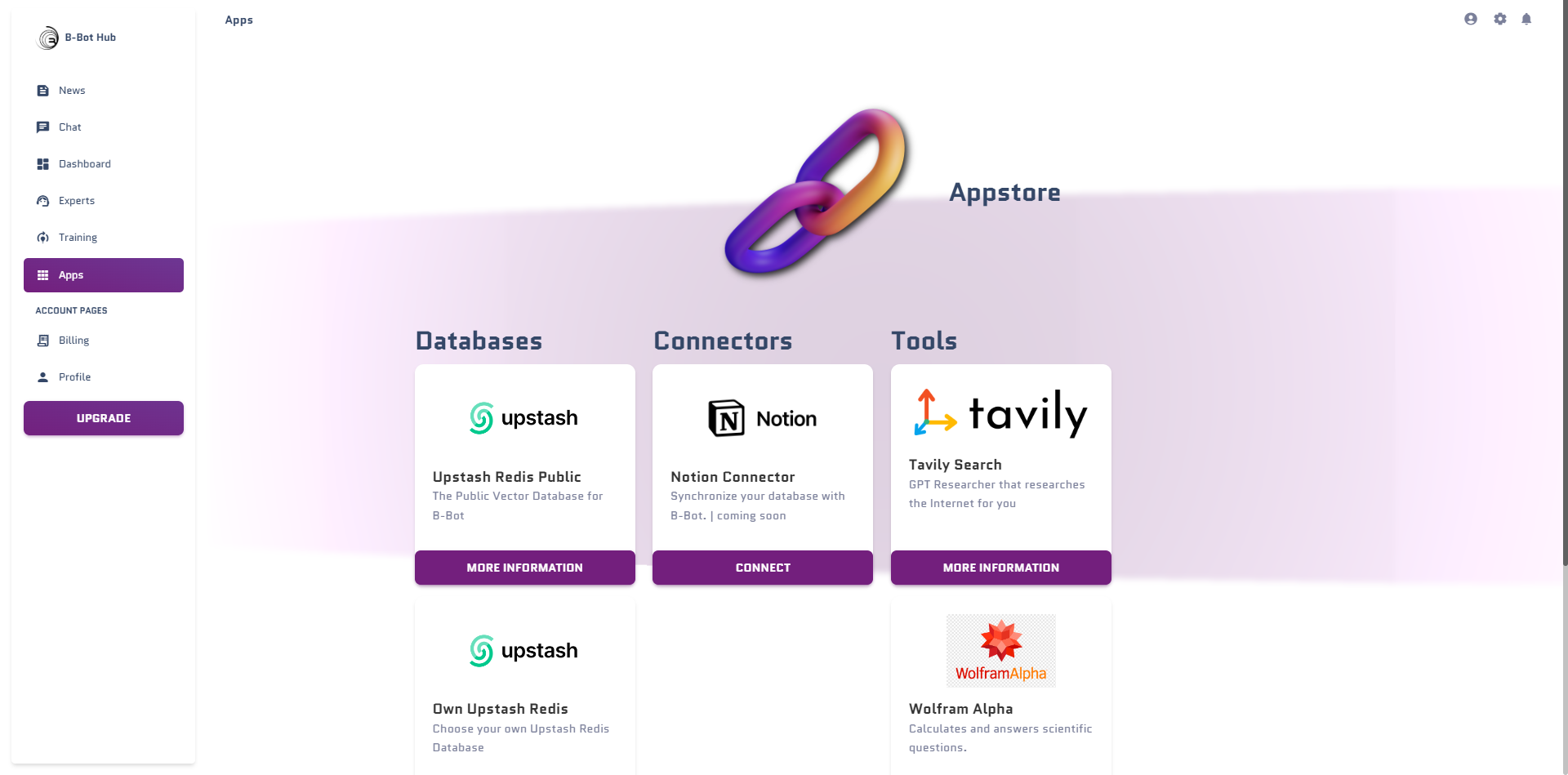
App Information
Each app shows:- Description: What the app does
- Required Auth: How to connect
- Available Actions: What your expert can do
- Pricing: Free or premium
Installing Apps
Step-by-Step Installation
🎯 Exercise: Install Web Search
Let’s add web search to your TechSupport AI:MCP Marketplace
What is MCP?
Model Context Protocol (MCP) is a standard for connecting AI models to external tools:Browsing MCP Tools
Navigate to Apps → MCP Marketplace:GitHub MCP
- Search code and issues
- Create/update issues
- Manage pull requests
- Repository actions
Database MCP
- Query SQL databases
- Read/write data
- Schema inspection
- Transaction support
Filesystem MCP
- Read/write files
- Directory operations
- File search
- Watch for changes
Slack MCP
- Send messages
- Read channels
- Manage threads
- Search history
Installing MCP Tools
Authentication Methods
Types of Authentication
| Method | Use Case | Security Level |
|---|---|---|
| API Key | Simple APIs | ⭐⭐ |
| OAuth 2.0 | Google, Microsoft, etc. | ⭐⭐⭐⭐ |
| Bearer Token | APIs with tokens | ⭐⭐⭐ |
| Basic Auth | Legacy systems | ⭐ |
| Custom Headers | Special requirements | ⭐⭐⭐ |
Provider Keys
Manage your API keys in Settings → Provider Keys: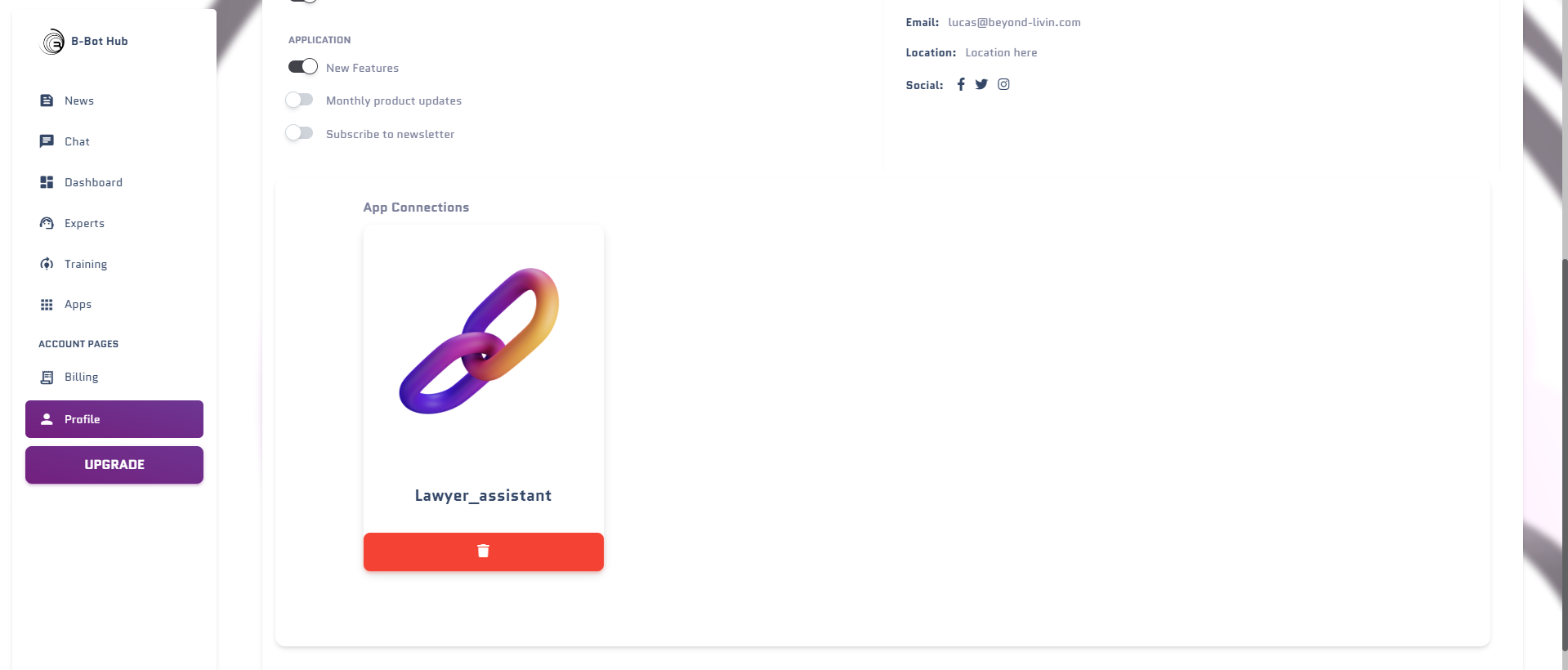
🎯 Exercise: Add Provider Keys
Building Custom Integrations
OpenAPI/Swagger Integration
Connect any API that has an OpenAPI specification:Custom Tool Example
Create a custom tool for your internal API:Tool Configuration Best Practices
Organizing Tools by Expert
| Expert Type | Recommended Tools |
|---|---|
| Customer Support | CRM, Knowledge Base, Ticketing |
| Sales Assistant | CRM, Calendar, Email, Analytics |
| Developer Helper | GitHub, Jira, Documentation, Search |
| Content Creator | Google Drive, Design tools, Social |
| Data Analyst | Database, Spreadsheets, Visualization |
Tool Permissions
Configure granular permissions:Read-Only
Expert can only retrieve information
Read-Write
Expert can create and modify data
Limited Scope
Restrict to specific resources
Approval Required
Actions need human approval
Integration Examples
Example 1: Customer Support Expert
Example 2: Developer Assistant
Troubleshooting Integrations
Authentication Errors
Authentication Errors
Common causes:
- Expired API key or token
- Incorrect credentials
- Missing permissions/scopes
Rate Limiting
Rate Limiting
Common causes:
- Too many requests
- API quotas exceeded
Tool Not Responding
Tool Not Responding
Common causes:
- Network issues
- API service down
- Incorrect endpoint URL
🎯 Challenge: Full Integration Setup
Set up a complete integrated expert:Key Takeaways
Extend Capabilities
Apps transform your expert from a chatbot to a powerful assistant
MCP Standard
MCP provides a unified way to connect tools
Security First
Always configure appropriate permissions and authentication
Right Tools
Choose tools that match your expert’s purpose
Next Steps
Workshop 7: Distribution
Deploy and share your experts
Apps Documentation
Complete apps reference