

Workshop 5: DeepAgents & Automation
Duration: 60 minutes | Level: Advanced | Prerequisites: Workshops 1-4
What You’ll Master
DeepAgents transforms your expert from a chatbot into an autonomous agent that can complete complex, multi-step tasks.What are DeepAgents?
DeepAgents are AI agents that can:Standard Chat vs DeepAgents
| Feature | Standard Chat | DeepAgents |
|---|---|---|
| Conversations | ✅ | ✅ |
| File Access | ❌ | ✅ |
| Task Management | ❌ | ✅ |
| Code Execution | ❌ | ✅ |
| Multi-step Workflows | Limited | ✅ |
| Persistent State | Limited | ✅ |
| Autonomous Actions | ❌ | ✅ |
Enabling DeepAgents Mode
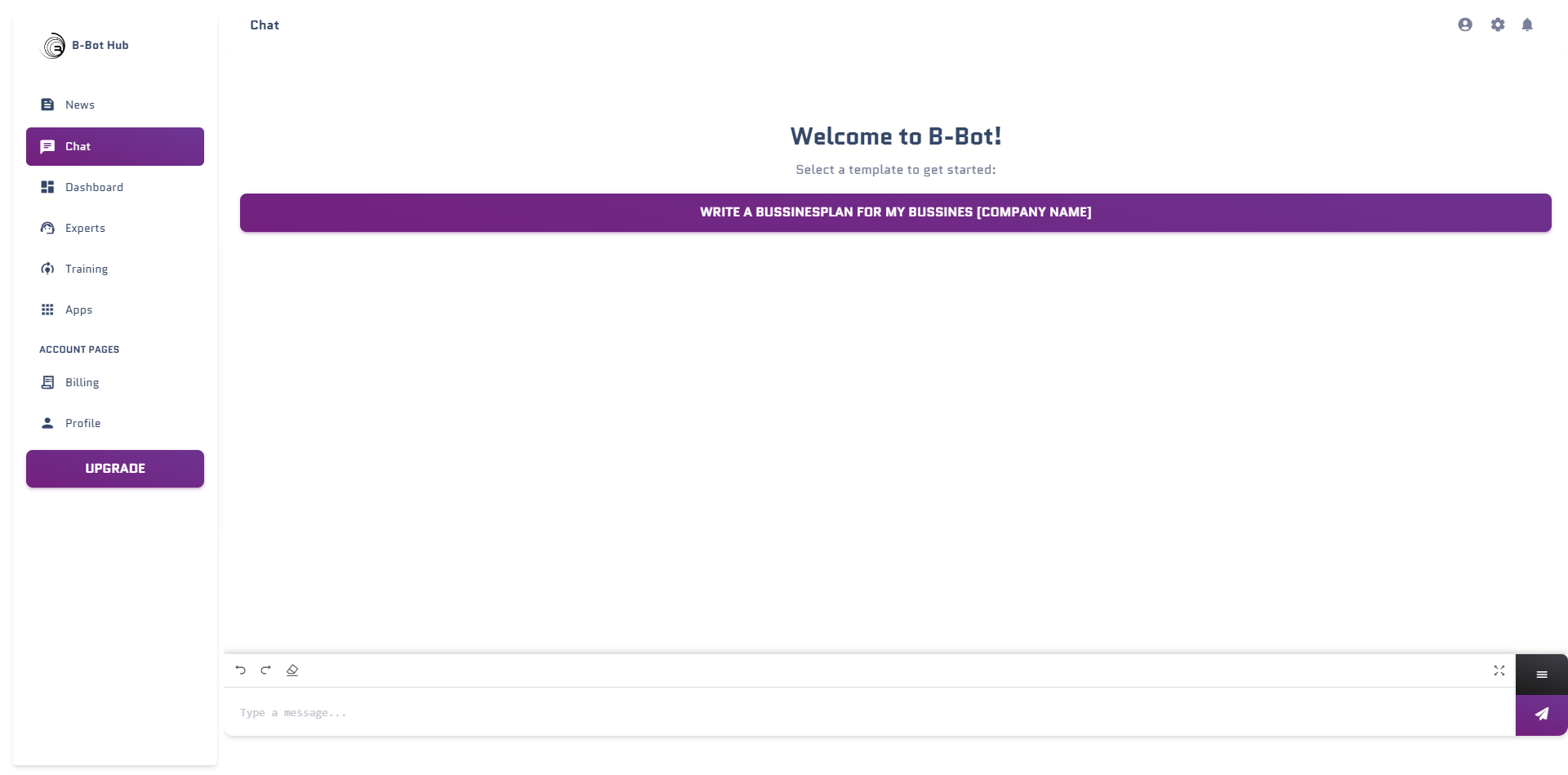
Activate in Chat
The Workspace Interface
Tasks Panel
View and manage todos:
- See all created tasks
- Track completion status
- Add manual tasks
- Delete or modify
Files Panel
Access the file system:
- Browse created files
- Edit content
- Download files
- Upload new files
Task Management
Task Statuses
| Status | Icon | Meaning |
|---|---|---|
| Pending | ⚪ | Not started yet |
| In Progress | 🔵 | Currently working |
| Completed | 🟢 | Finished successfully |
| Failed | 🔴 | Encountered errors |
| Cancelled | 🟠 | Manually cancelled |
Creating Tasks
You can create tasks by:- Asking the Agent: “Create a task to analyze the sales data”
- Natural Language: “I need you to do X, Y, and Z”
- Manual Addition: Click “Add Task” in the workspace
Task Hierarchy
DeepAgents supports nested tasks:🎯 Exercise: Task Workflow
Try this conversation with your DeepAgent:File System Operations
Available File Operations
Read Files
Access and analyze existing files
Write Files
Create new files or update existing
Search Files
Find content across files
Edit Files
Modify specific parts of files
File Types Supported
| Type | Extensions | Use Cases |
|---|---|---|
| Text | .txt, .md, .json | Notes, configs, data |
| Code | .py, .js, .ts, .html, .css | Scripts, websites |
| Data | .csv, .json | Datasets, exports |
| Docs | .md, .html | Reports, documentation |
🎯 Exercise: File Operations
Create a File
Ask: “Create a markdown file called project-plan.md with a basic outline for a mobile app project”
Code Execution
Enabling Code Execution
DeepAgents can execute code in isolated sandboxes:Supported Languages
Python
Full Python 3.x support with common libraries
JavaScript
Node.js runtime for JS/TypeScript
Shell
Bash commands for system operations
Code Execution Examples
- Data Analysis
- File Processing
- API Integration
E2B Workspace Templates
DeepAgents uses E2B (Execution to Browser) for code execution:| Template | Use Case | Features |
|---|---|---|
| Python Data Science | Analysis, ML | pandas, numpy, matplotlib |
| Node.js | Web dev, APIs | npm packages, TypeScript |
| Next.js + Tailwind | Full-stack web | React, Tailwind CSS |
| Vite + React | Frontend apps | Fast builds, HMR |
Human-in-the-Loop (HITL)
What is HITL?
HITL mode requires human approval before the agent takes actions:HITL vs Auto Mode
| Mode | Behavior | Best For |
|---|---|---|
| Auto | Agent acts immediately | Trusted tasks, speed |
| HITL | Asks for approval | Sensitive operations, learning |
Configuring HITL
🎯 Exercise: HITL Workflow
- Enable HITL mode
- Ask the agent to create a complex project structure
- Review each proposed action
- Approve, reject, or modify as needed
- Observe how the agent adapts to your feedback
Complex Workflow Example
Building a Web App with DeepAgents
Let’s walk through a complete workflow:Define the Project
- ⚪ Set up project structure
- ⚪ Create React components
- ⚪ Style with Tailwind
- ⚪ Add functionality
- ⚪ Test and refine
Best Practices
Start with HITL
Enable HITL when learning or working with new workflows
Break Down Tasks
Complex projects work better with clear subtasks
Review Generated Code
Always check code before running in production
Use Templates
E2B templates provide stable, tested environments
Advanced Features
Memory Integration
DeepAgents remember context across sessions:- Project state is preserved
- Preferences are learned
- Previous decisions inform future actions
Multi-Agent Collaboration
Combine DeepAgents with team members:Scheduled Automation
Set up recurring DeepAgent tasks:- Daily reports
- Weekly summaries
- Automated data processing
🎯 Challenge Exercise
Complete this comprehensive project:Key Takeaways
Autonomous Power
DeepAgents can complete complex multi-step tasks independently
Persistent Workspace
Files and state persist across conversations
Code Execution
Write, run, and iterate on code in real-time
Safe Control
HITL mode provides oversight for critical operations
Next Steps
Workshop 6: Integrations
Connect your experts to external tools and APIs
DeepAgents Docs
Complete DeepAgents reference